IT Service Desk & Ticket Management System
Enterprise-grade IT support system using PowerApps, Power Automate & SharePoint for ticketing, SLA tracking, and automation.
Title
IT Service Desk & Ticket Management System
Sub Title
Enterprise-grade IT support system using PowerApps, Power Automate & SharePoint for ticketing, SLA tracking, and automation.
Description:
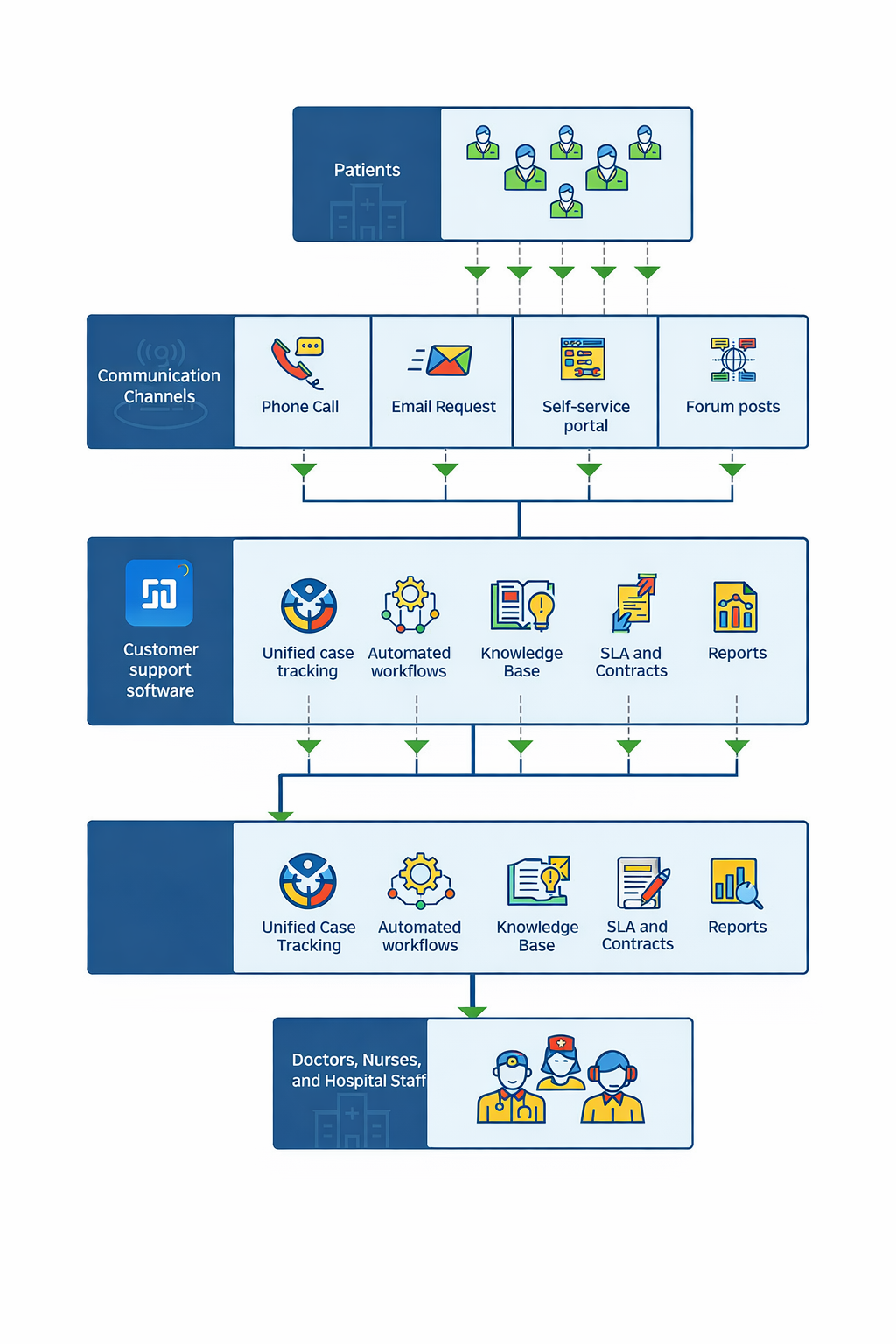
This project involved developing a centralized IT Service Desk system to manage internal technical support requests across an organization. The solution was built using Microsoft PowerApps, Power Automate, and SharePoint to streamline issue reporting, tracking, and resolution.
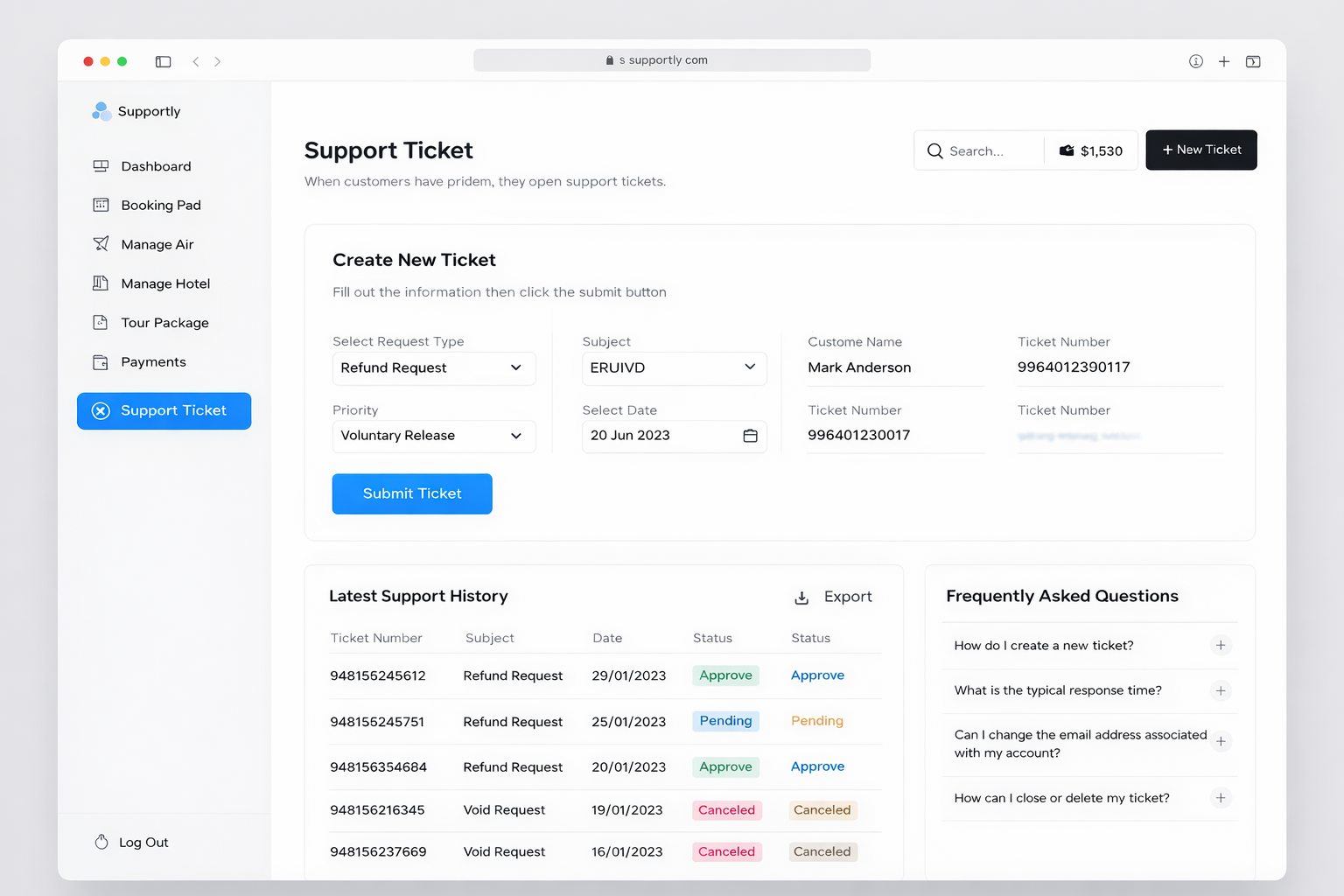
Employees can raise IT tickets through a user-friendly PowerApps interface by selecting issue categories such as hardware, software, network, or access-related problems. Each ticket includes priority level, description, attachments, and department details.
Once submitted, tickets are automatically assigned to the appropriate IT support team using Power Automate. Intelligent routing logic ensures that tickets are distributed based on issue type, urgency, and team workload.
A Service Level Agreement (SLA) tracking mechanism was implemented to monitor response and resolution times. Automated reminders and escalation workflows are triggered if deadlines are not met.
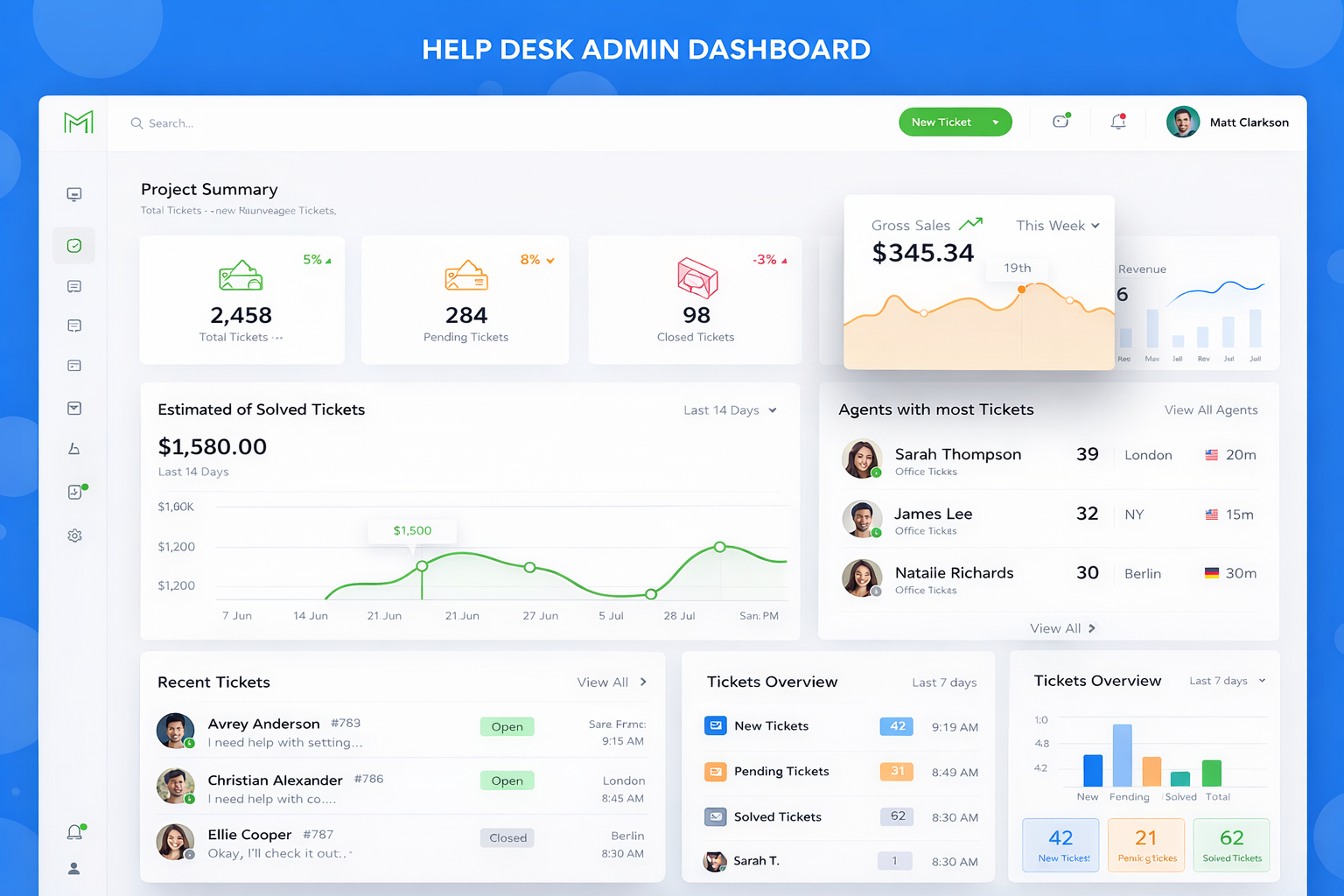
The system includes a real-time dashboard where users can track ticket status, while IT admins can monitor open, in-progress, and resolved tickets. Role-based access ensures secure handling of requests.
Integration with Microsoft Teams enables instant notifications for new tickets and updates. SharePoint serves as the backend database with structured lists and permission control.
This solution significantly improved response time, reduced manual coordination, and enhanced overall IT service efficiency within the organization.
Process
🧠 1. Requirement Analysis
- Identified issues in manual IT support handling
- Defined ticket lifecycle (Open → Assigned → In Progress → Resolved → Closed)
- SLA rules defined (e.g., 24h resolution for high priority)
🧱 2. System Architecture
- PowerApps → Ticket submission & dashboard
- SharePoint → Ticket database
- Power Automate → Workflow automation
- Teams → Notifications
🎨 3. UI/UX Design (PowerApps)
- Clean service desk dashboard
- Ticket submission form
- Status tracking interface
- Admin panel for IT team
🛠️ 4. PowerApps Development
- Dynamic ticket form with categories
- File upload (screenshots/logs)
- Role-based views (User / IT Admin)
- Search & filter tickets
🔄 5. Power Automate Workflows
- Auto ticket assignment
- SLA timer & escalation
- Email + Teams notifications
- Status update automation
🗂️ 6. SharePoint Configuration
- Custom ticket list
- Columns: priority, status, assigned engineer
- Permission-based access
- Audit logs
⚡ 7. Advanced Features
- SLA breach alerts
- Auto-priority tagging
- Ticket history tracking
- Reopen ticket functionality
🧪 8. Testing
- Workflow testing (all ticket states)
- SLA validation
- Mobile & desktop testing
🚀 9. Deployment
- App publishing
- User access setup
- IT team training
- Monitoring & improvements