Enterprise Employee Expense & Approval Management System
🔹 Project Overview
This project involved designing and implementing a centralized employee expense management system using Microsoft Power Platform. The solution was built to replace manual, email-based expense approvals with a fully automated, transparent, and scalable system.
The platform integrates PowerApps (frontend), Power Automate (workflow engine), SharePoint (data storage), and Power BI (analytics) to create a unified enterprise-grade solution.
The primary goal was to streamline expense submission, enforce approval hierarchies, and provide real-time financial visibility to management.
🎯 Business Goals
- Automate employee expense submission and approval process
- Reduce manual errors and paperwork
- Improve approval turnaround time
- Provide real-time expense tracking and reporting
- Ensure compliance with internal financial policies
❗ Problem Statement
Before implementing the system, the organization faced multiple operational challenges:
- ❌ Manual expense submissions via email and spreadsheets
- ❌ Lack of standardized approval workflow
- ❌ Delays in approvals causing employee dissatisfaction
- ❌ No visibility into real-time expense data
- ❌ Difficulty in tracking historical records and audits
- ❌ High risk of data inconsistency and human error
Finance and HR teams struggled with fragmented processes, making it difficult to maintain financial control and transparency.
💡 Solution
A fully automated PowerApps-based expense management system was developed to digitize and optimize the entire workflow.
Key Solution Highlights:
- ✅ Custom PowerApps interface for easy expense submission
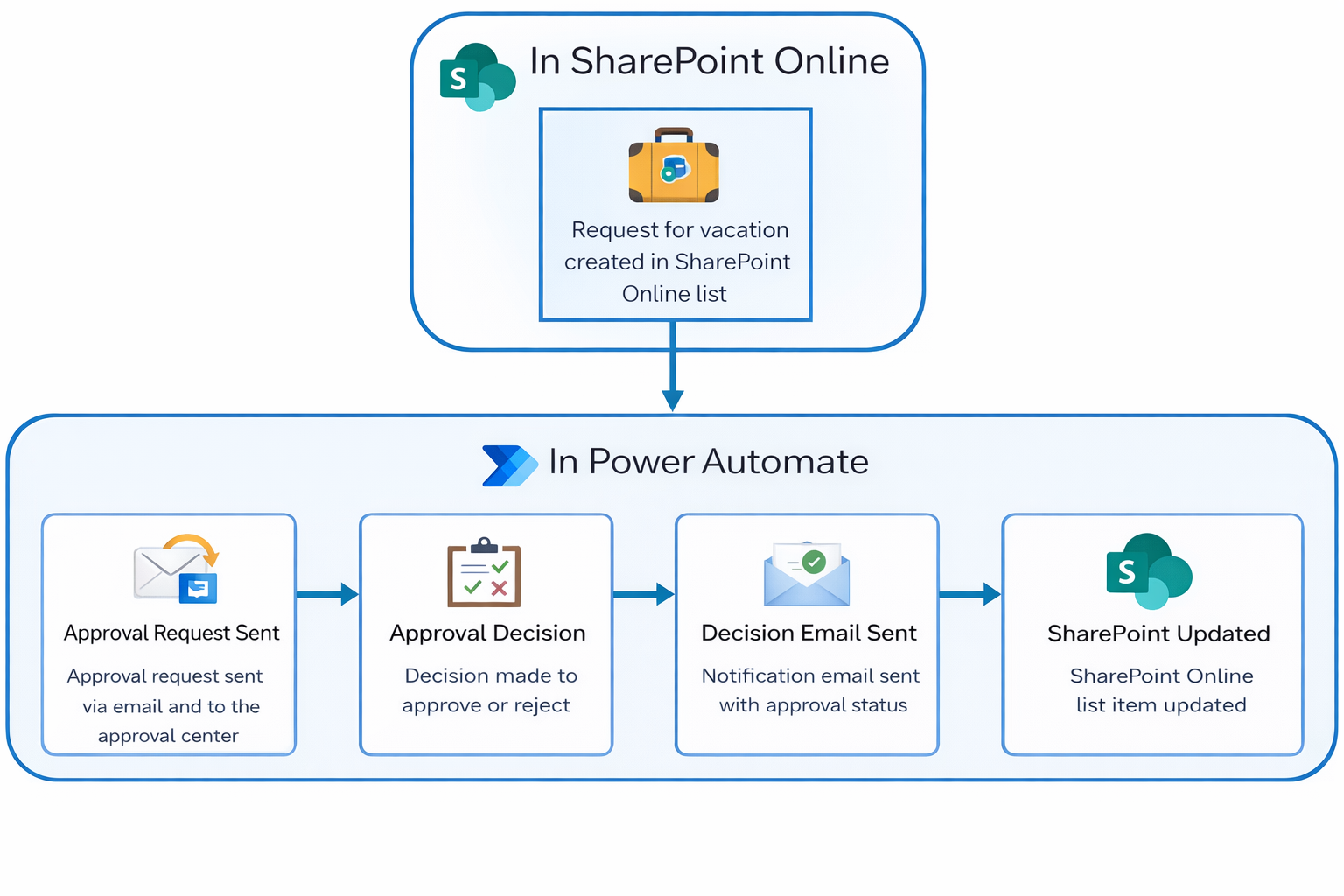
- ✅ Multi-level approval workflows using Power Automate
- ✅ Role-based access for employees, managers, and finance teams
- ✅ Centralized data storage using SharePoint
- ✅ Real-time analytics dashboard using Power BI
- ✅ Automated notifications via Email & Microsoft Teams
The solution ensured a seamless, user-friendly experience while enforcing strict business rules.
⚙️ Implementation & Execution
📱 PowerApps (Frontend Application)
- Expense submission form with:
- Expense type selection
- Amount & date entry
- Receipt upload (image/PDF)
- Real-time validation (mandatory fields, limits)
- Dashboard for tracking:
- Submitted
- Approved
- Rejected expenses
🔄 Power Automate (Workflow Engine)
- Multi-level approval flow:
- Manager approval
- Finance approval
- Conditional routing based on:
- Expense amount
- Department
- Automated reminders for pending approvals
- SLA-based escalation system
🗂️ SharePoint (Data Management)
- Structured lists for:
- Expense records
- Approval logs
- Role-based permissions
- Version history for audit tracking
📊 Power BI (Analytics Dashboard)
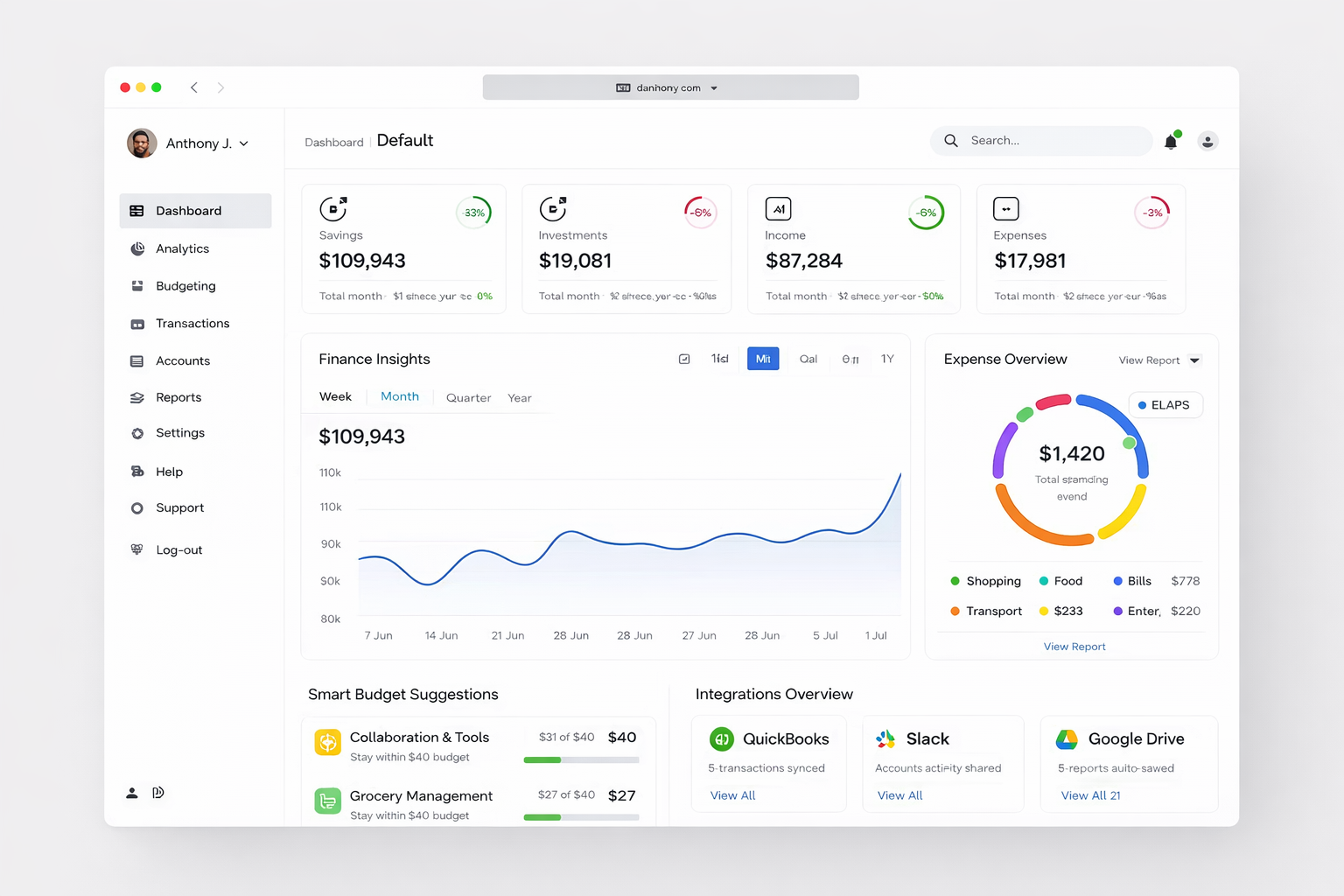
- Expense trends over time
- Department-wise spending
- Approval delay analysis
- Budget vs actual comparison
🔄 Process
🧠 1. Requirement Analysis
- Stakeholder interviews (HR, Finance, Employees)
- Defined approval hierarchy
- Identified compliance requirements
🧱 2. System Design
- Designed architecture:
- PowerApps + SharePoint + Power Automate + Power BI
- Defined data structure and workflow logic
🎨 3. UI/UX Design
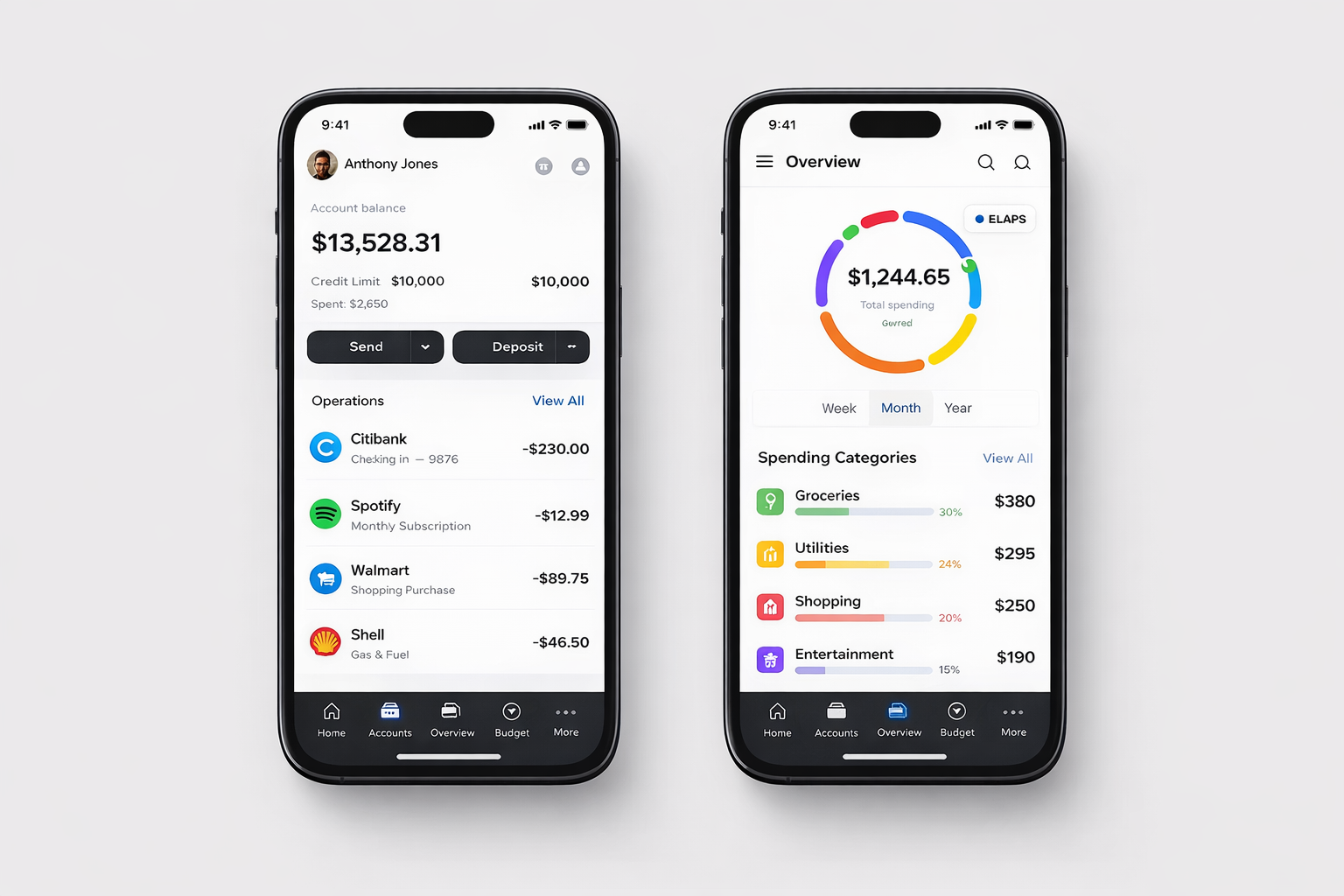
- Mobile-first app interface
- Simple and intuitive form layout
- Dashboard for tracking status
🛠️ 4. Development
- Built PowerApps forms and dashboards
- Developed automated workflows
- Configured SharePoint lists
🔌 5. Integration
- Email notifications (Outlook)
- Teams alerts for approvals
- Power BI integration
⚡ 6. Testing & Validation
- Approval flow testing
- Data validation checks
- Performance testing
🚀 7. Deployment
- Application publishing
- User access setup
- Training sessions for employees
📊 Key Features
- 📱 Mobile-friendly expense submission
- 🔄 Automated approval workflows
- 📊 Real-time analytics dashboard
- 🔐 Role-based access control
- ⚡ SLA tracking & escalation
- 🧾 Receipt upload & tracking
📈 Results & Impact
- ⏱️ Reduced approval time by 40–60%
- 📉 Eliminated manual errors and paperwork
- 📊 Improved financial visibility across departments
- 👨💼 Enhanced employee satisfaction
- 🔍 Simplified audit and compliance processes