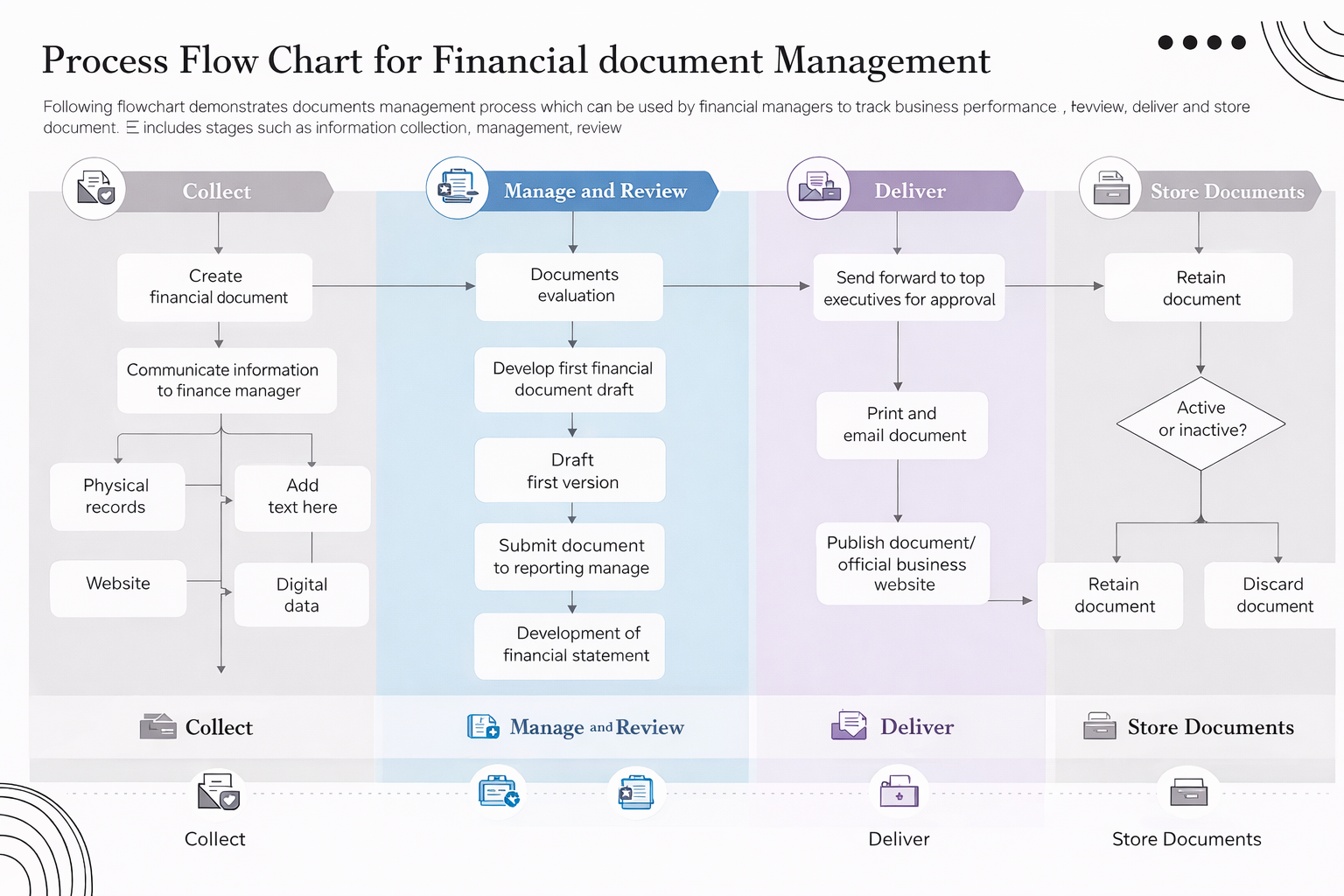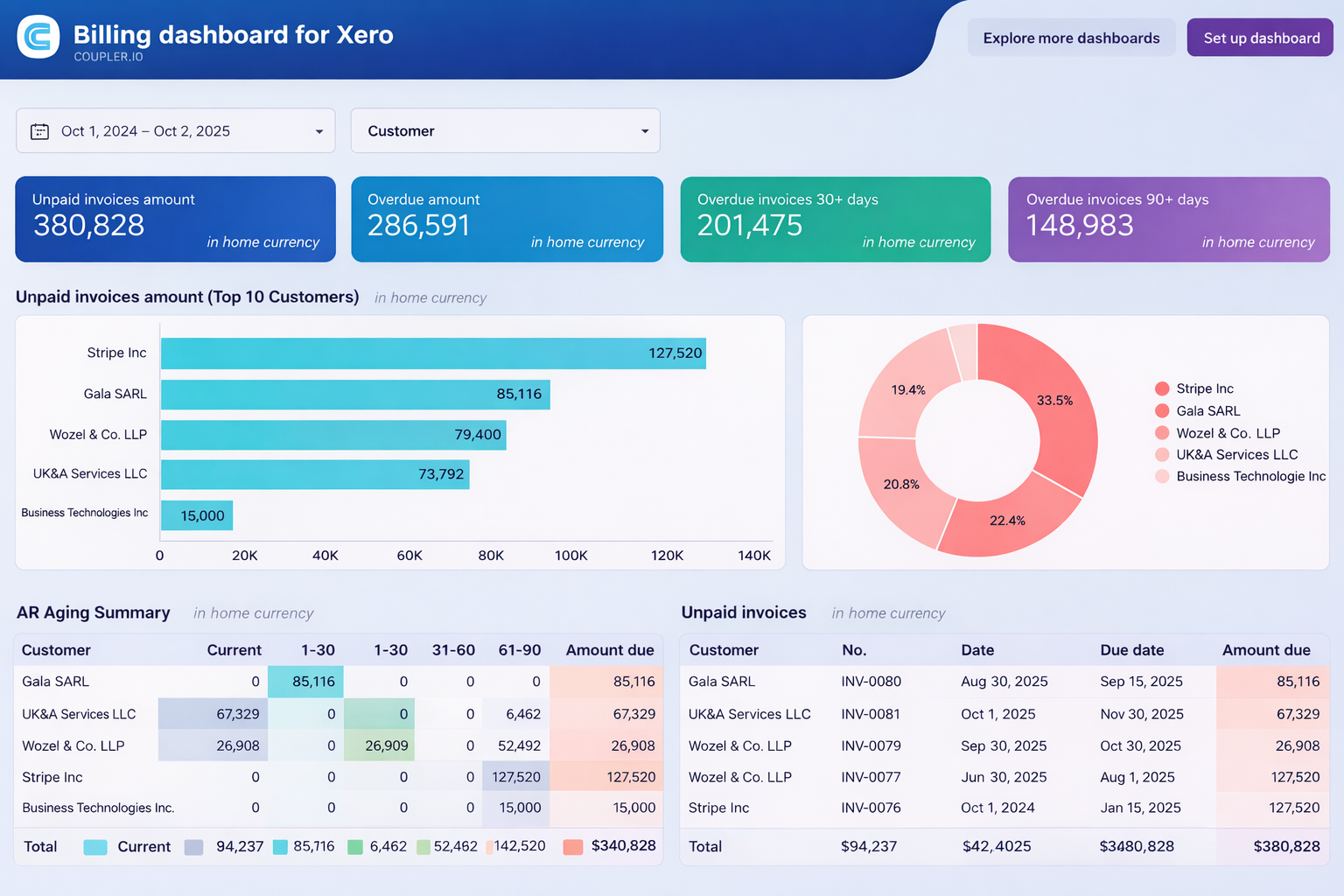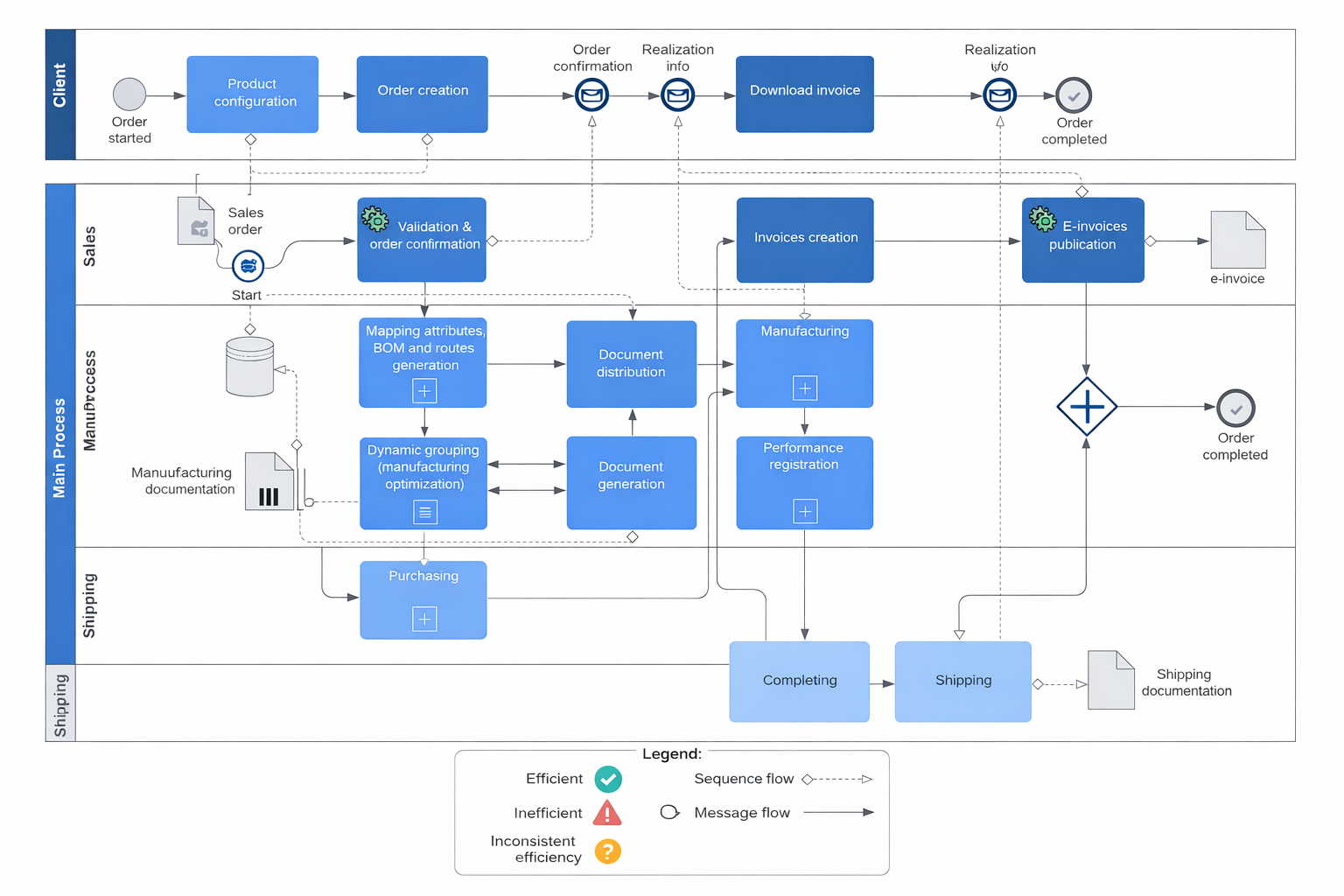
AI-Based Invoice Processing & Financial Approval Automation System
Intelligent invoice processing system with OCR, automated validation, approval workflows, and ERP integration.
Title
AI-Based Invoice Processing & Financial Approval Automation System
Sub Title
Intelligent invoice processing system with OCR, automated validation, approval workflows, and ERP integration.
Description:
This project involved developing an advanced invoice processing automation system designed to eliminate manual data entry and streamline financial approvals. The solution leverages Power Automate along with AI-based document processing to extract, validate, and process invoices efficiently.
The system begins when invoices are received via email or uploaded to a SharePoint document library. Power Automate triggers an AI Builder model to extract key information such as vendor name, invoice number, date, line items, and total amount.
Extracted data is validated against predefined business rules and cross-checked with vendor records stored in SharePoint. Any mismatches or missing data automatically trigger exception workflows for manual review.
Once validated, invoices are routed through a multi-level approval process based on invoice amount and department. High-value invoices require finance head approval, while smaller ones follow a simplified path.
The system integrates with an external ERP/accounting system to automatically create entries for approved invoices, ensuring real-time synchronization.
Notifications are sent via Microsoft Teams and email to keep stakeholders informed at every stage. A complete audit trail is maintained for compliance and reporting purposes.
This automation significantly reduced processing time, minimized human errors, and improved financial transparency across the organization.
Process
🧠 1. Requirement Analysis
- Identified manual invoice handling issues
- Defined approval hierarchy & compliance rules
- Gathered ERP integration requirements
🧱 2. System Architecture
- Email / SharePoint → Invoice input
- Power Automate → Workflow engine
- AI Builder → Data extraction (OCR)
- ERP → Financial record sync
🔄 3. Workflow Design
- Invoice received trigger
- AI extraction process
- Data validation:
- Vendor match
- Amount verification
- Conditional approval routing
- ERP entry creation
🛠️ 4. Power Automate Development
- AI Builder integration (form processing model)
- JSON parsing of extracted data
- Conditional branching & exception handling
- Parallel approval workflows
🔌 5. Integrations
- Outlook (invoice email trigger)
- SharePoint (document storage + logs)
- ERP system (via API)
- Teams (notifications)
⚡ 6. Advanced Features
- Exception handling workflow
- Duplicate invoice detection
- Auto-tagging (expense category)
- SLA tracking for approvals
🧪 7. Testing
- OCR accuracy testing
- Workflow scenario validation
- API integration testing
- Error handling validation
🚀 8. Deployment
- Flow deployment
- AI model training & publishing
- User onboarding
- Monitoring & optimization