Enterprise Employee Expense & Approval Management System
End-to-end automated expense management solution using PowerApps, Power Automate, SharePoint & Power BI.
Title
Enterprise Employee Expense & Approval Management System
Sub Title
End-to-end automated expense management solution using PowerApps, Power Automate, SharePoint & Power BI.
Description:
This project involved building a comprehensive enterprise-grade expense management system designed to streamline employee reimbursements, approvals, and financial tracking. The solution was developed using Microsoft Power Platform, integrating PowerApps, Power Automate, SharePoint, and Power BI into a unified ecosystem.
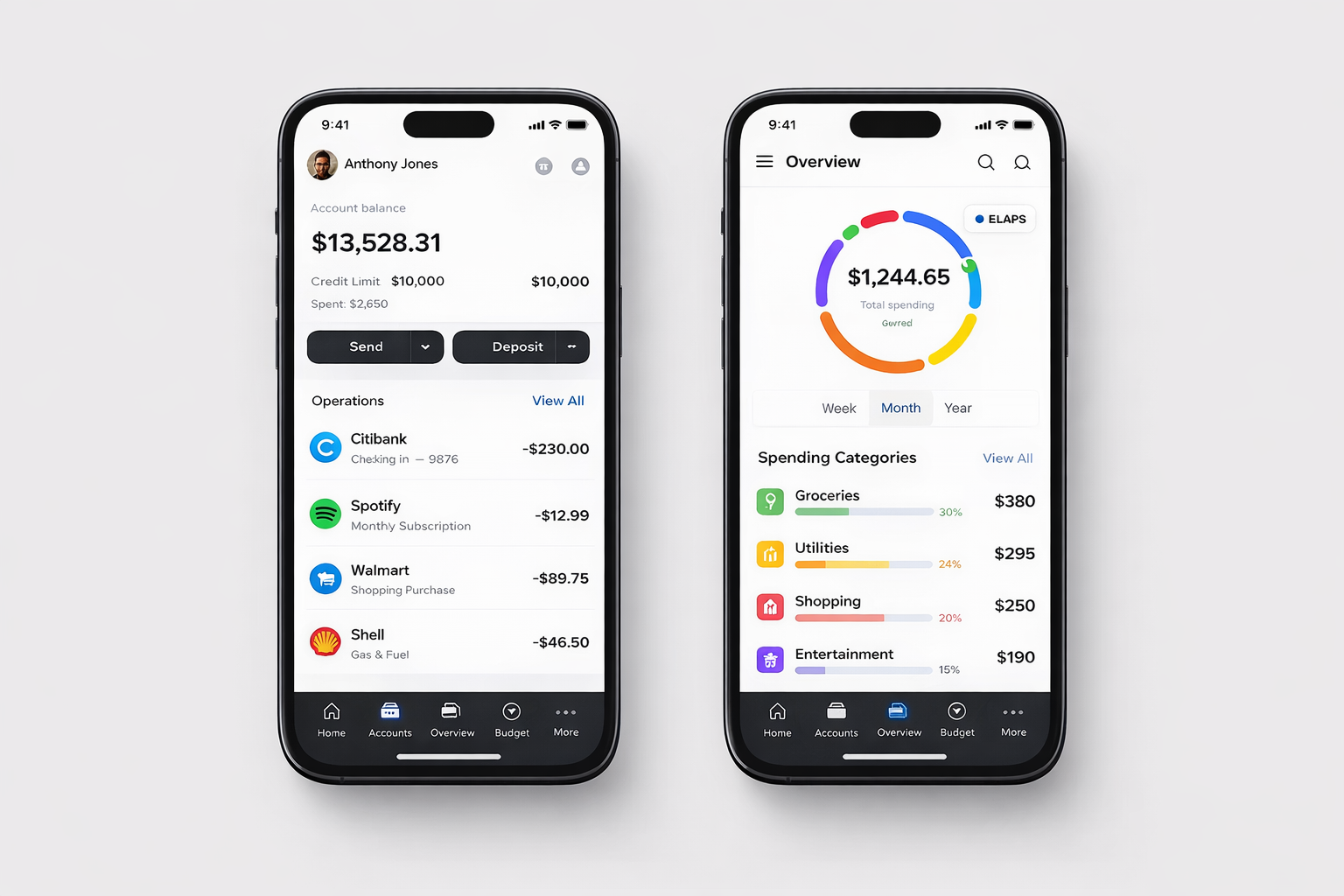
The application allows employees to submit expense claims including travel, food, accommodation, and miscellaneous expenses through a user-friendly PowerApps interface. Each submission includes receipt uploads, expense categorization, and real-time validation.
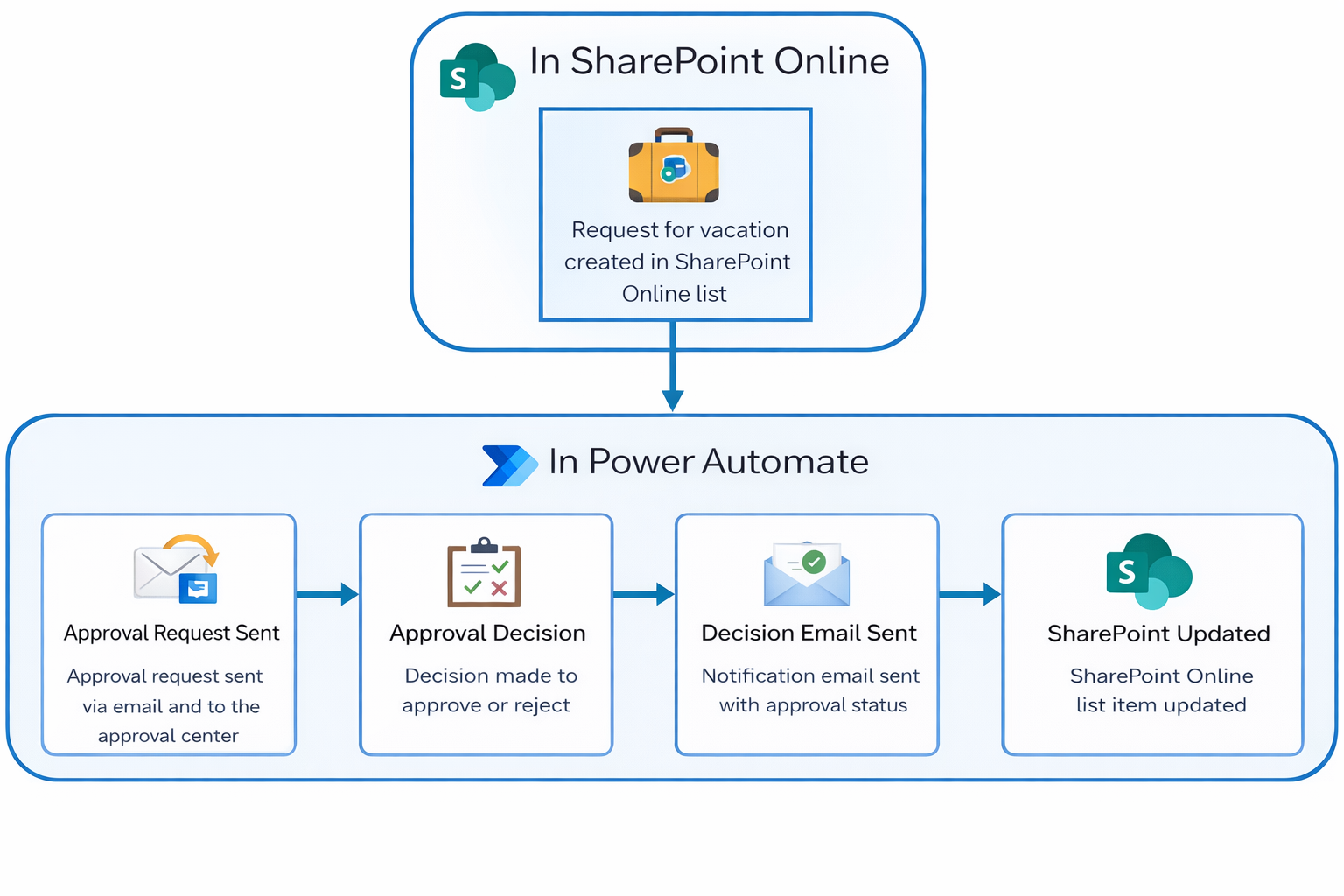
A multi-level approval workflow was implemented using Power Automate, where requests are automatically routed to reporting managers, finance teams, and department heads based on predefined rules. Conditional approvals were configured depending on expense amount and category.
All data is securely stored in SharePoint with role-based access control, ensuring that sensitive financial data is protected. Notifications are sent via email and Microsoft Teams at every stage of the approval process.
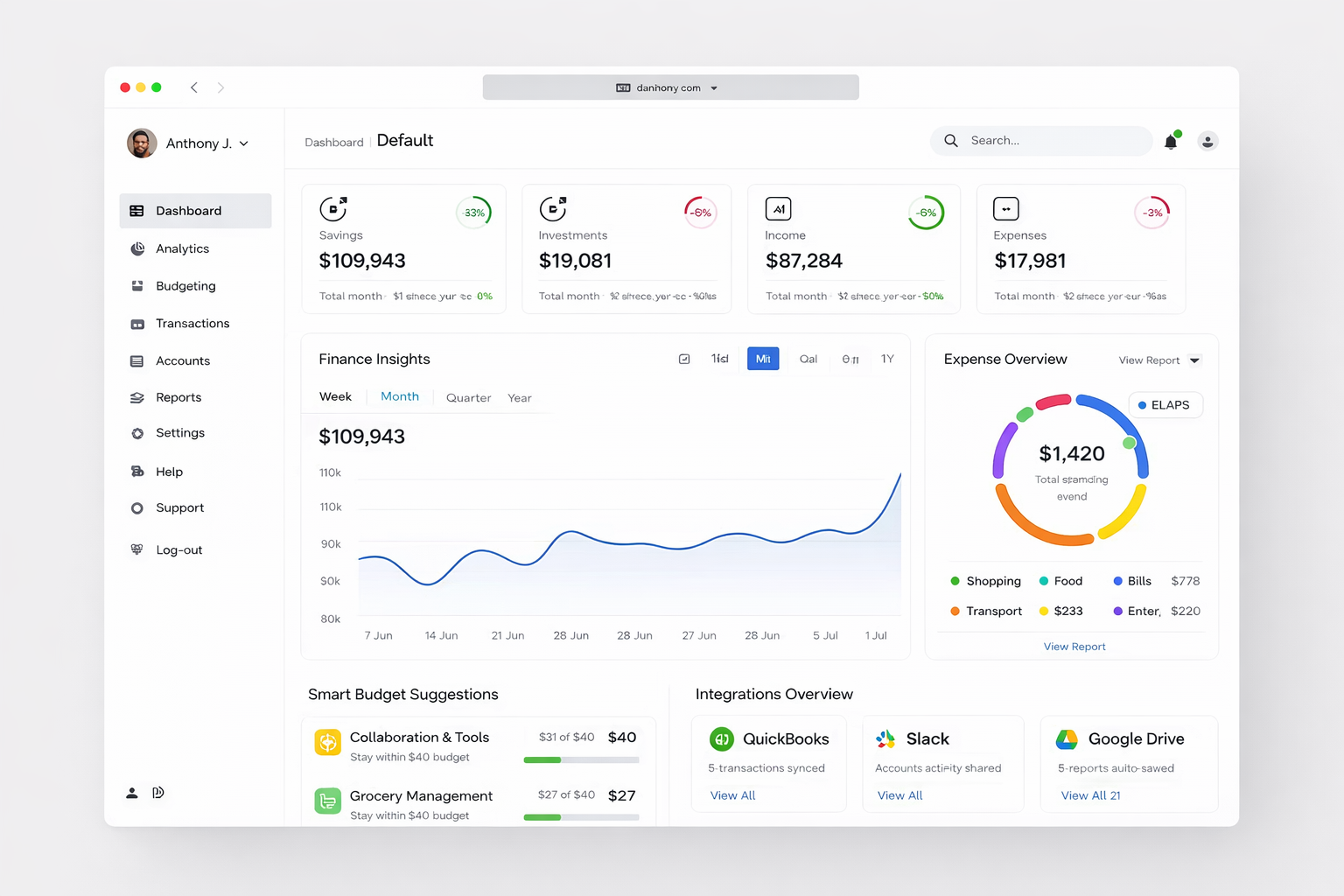
A real-time Power BI dashboard was developed to provide insights into company expenses, department-wise spending, approval delays, and budget tracking. Advanced DAX measures were used for forecasting and trend analysis.
The system significantly reduced manual processing time, eliminated paperwork, and improved financial transparency across the organization.
Process
🧠 1. Business Requirement Analysis
- Identified pain points in manual expense tracking
- Defined approval hierarchy (Manager → Finance → Admin)
- Created functional specification document
🧱 2. System Architecture Design
- PowerApps → Frontend (user interface)
- SharePoint → Data storage
- Power Automate → Workflow engine
- Power BI → Reporting & analytics
🎨 3. UI/UX Design (PowerApps)
- Expense submission form
- File upload (receipt images/PDFs)
- Status tracking dashboard
- Mobile-first design
🛠️ 4. PowerApps Development
- Dynamic forms with validation
- Conditional fields (based on expense type)
- Role-based dashboards
- Integration with SharePoint lists
🔄 5. Power Automate Workflows
- Multi-level approval flows
- Conditional branching (amount-based approval)
- Auto notifications (Email + Teams)
- Auto status updates
🗂️ 6. SharePoint Setup
- Custom lists for expense records
- Permission management
- Version control & audit tracking
📊 7. Power BI Dashboard
- Expense trends over time
- Department-wise spending
- Approval turnaround time
- Budget vs actual analysis
⚡ 8. Performance & Security
- Optimized data queries
- Role-based access control
- Secure file handling
🧪 9. Testing
- Workflow testing (all approval levels)
- Data validation checks
- Mobile responsiveness
🚀 10. Deployment
- Published PowerApps app
- Activated workflows
- Shared dashboards with stakeholders
- User training & documentation